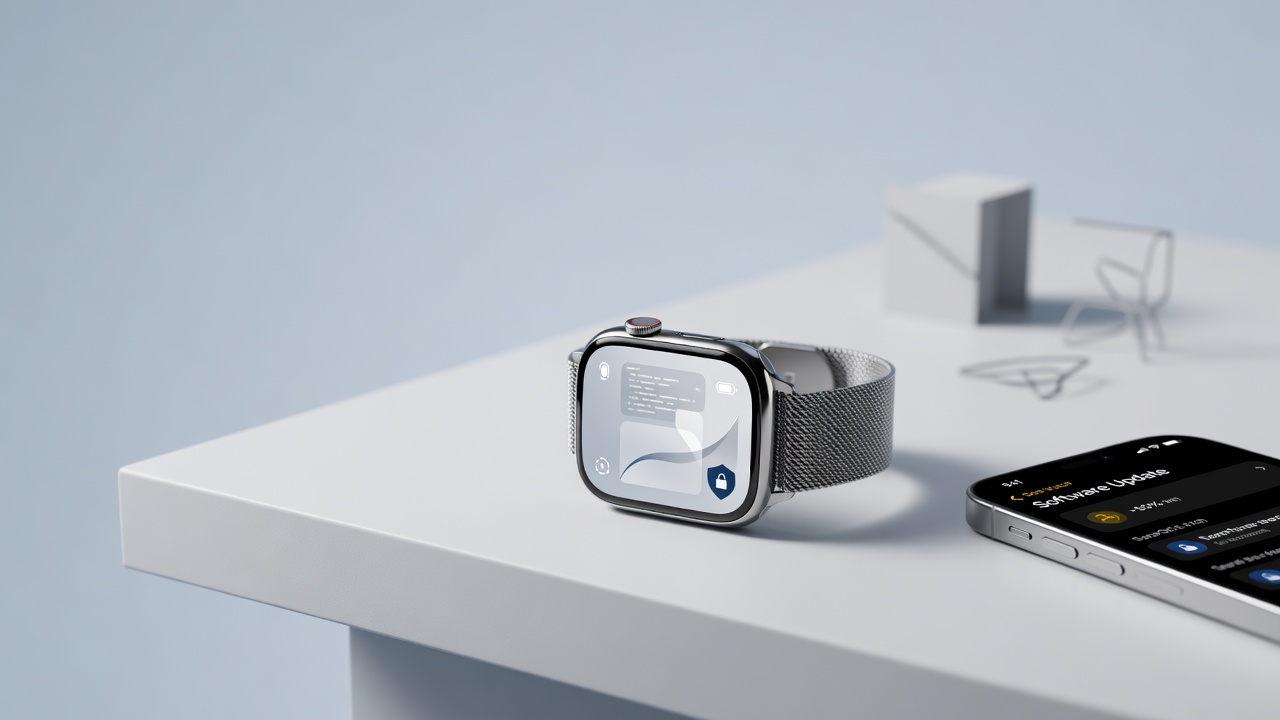
Apple has begun rolling out watchOS 27.2, a minor update identified by build number 24S118. The release carries no publicly listed new features, indicating Apple's focus here is on stability, bug fixes and general device health rather than visible changes.
What This Update Actually Does
Unlike major watchOS releases, which typically introduce new watch faces, health-tracking capabilities or interface changes, incremental updates like 27.2 serve a quieter but essential purpose. These point releases are where Apple typically addresses performance hiccups, resolves compatibility issues between the Apple Watch and paired iPhones, and patches security vulnerabilities that may have surfaced since the previous release. While Apple has occasionally slipped small features into minor updates in the past, that is the exception rather than the rule - most meaningful functionality arrives in the larger annual or point-zero releases.
Why Smaller Updates Still Matter
Even without headline features, installing updates like watchOS 27.2 is worthwhile. Security patches included in these releases close gaps that could otherwise be exploited, and performance fixes can resolve issues like battery drain, app crashes or sluggish response times that accumulate between major software cycles. For a device that's worn constantly and often relied on for health and safety features, keeping the software current reduces the risk of glitches affecting day-to-day use.
How to Install watchOS 27.2
The update installs automatically over the air for most users, but it can also be triggered manually. Apple recommends ensuring the Apple Watch is charged to at least 50 percent and connected to Wi-Fi before beginning either method.
- Directly on the Apple Watch: Open Settings, tap General, then Software Update, and select Install if an update is available.
- Via the paired iPhone: Open the Apple Watch app, tap General, then Software Update, and download the update if it appears.
Following the on-screen prompts completes the installation in either case. Because the update is incremental, the process should be quick and shouldn't require significant downtime compared to a major OS upgrade.